 Shopping List & Recipe Keeper

Your shopping list by category, and the recipes you keep
Pick from everyday items sorted by category, tick them off as they go in the cart, and keep your own recipes in US or metric measures. It works without signal.
Coming to Google Play
Coming to the App Store
Everything for the trip to the store
Made to be quick in the store: big tap targets, plain words, and nothing you don't need.
Shop by category
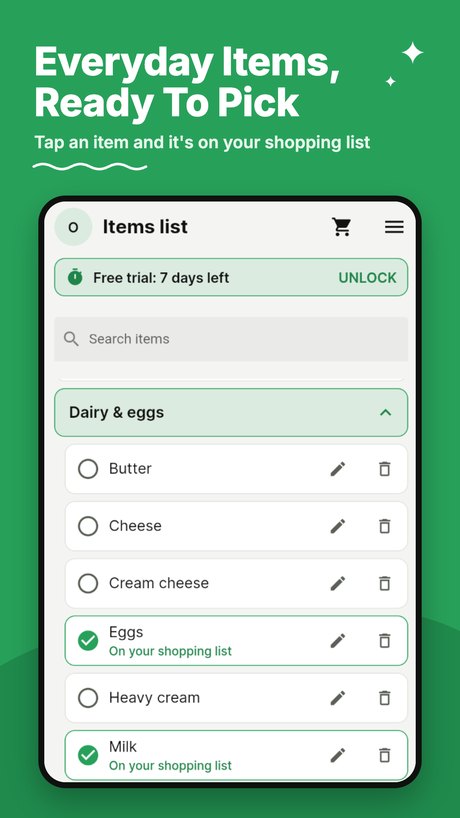
Produce, dairy, bakery and more, filled with common everyday items ready to pick. Add your own items and categories.
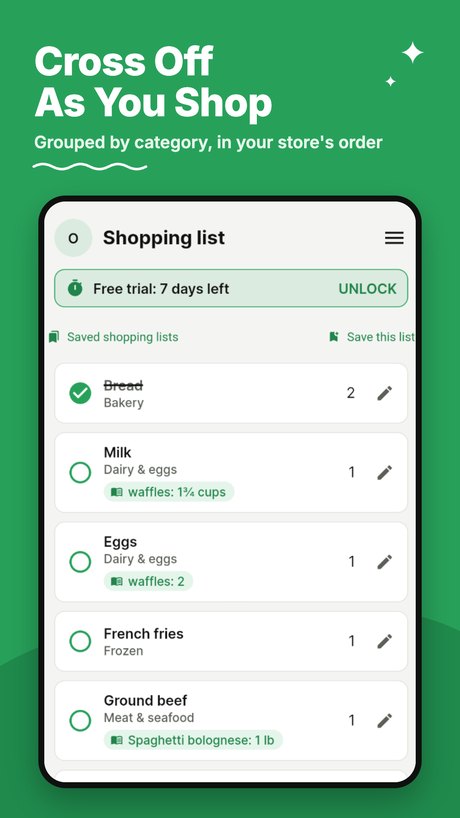
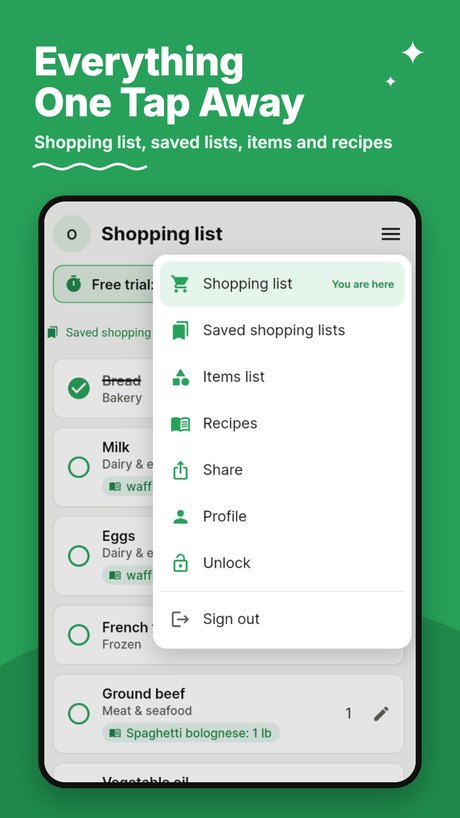
A shopping list grouped by category
Tap an item as it goes in your cart to cross it off. When you're done, clear the list; your items stay saved for next time.
Works without signal
Your lists are kept on your phone too, so the back of the store with no bars is no problem.
Recipes in US or metric
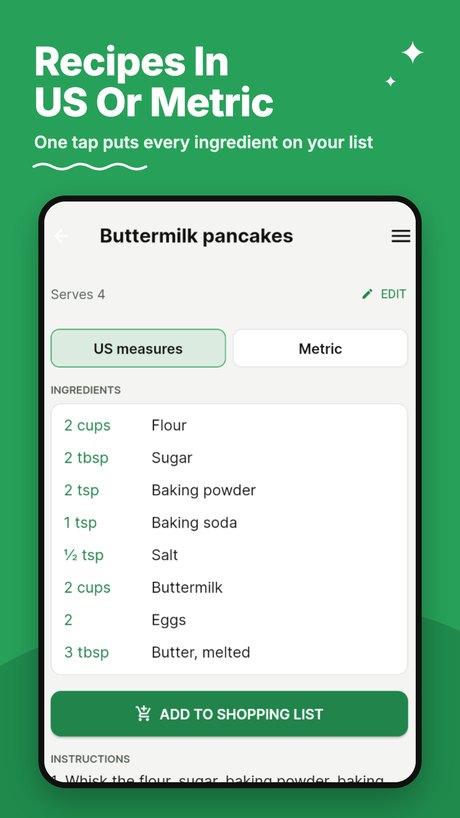
Keep your recipes and switch any amount between cups and spoons, ounces and pounds, or grams and milliliters.
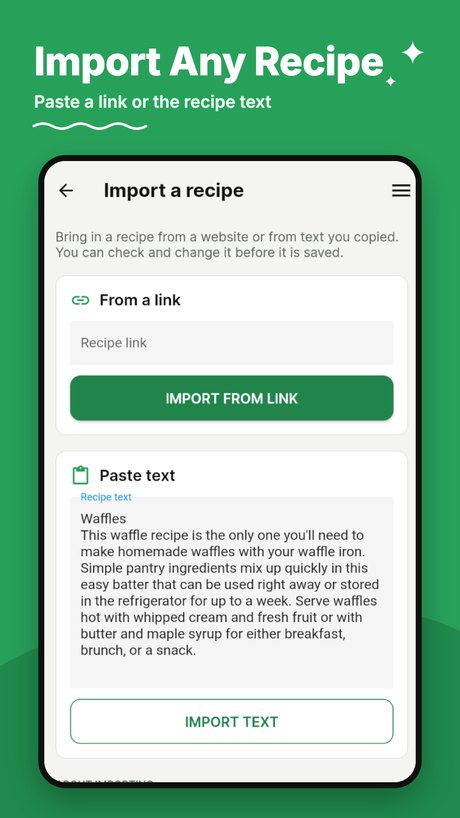
Import a recipe
Paste a link from most recipe websites, or paste the text. Check it, then save.
Ingredients to your list
One tap puts a recipe's ingredients on your shopping list, matched to the items you already have, each tagged with the recipe it's for.
Your store's order
Drag your categories into the order you walk through your store, and your shopping list follows it.
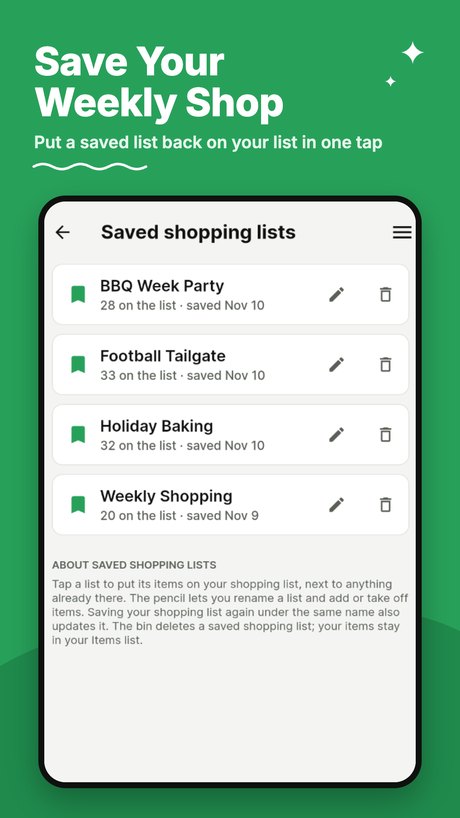
Saved shopping lists
Save the list you buy every week, like Weekly shop, and put it back on your list in one tap.
Read a price with the camera
Point at the shelf tag and tap the price you pay. It's read on your phone; the picture is never saved.
Share lists and recipes
Send your shopping list or a recipe by message, email or note, with today's date.
See it on a phone
Your shopping list by category, your recipes, and the lists you use every week.
Swipe or scroll to see more →
How it works
Pick your items
Tap the everyday items you need, or search. They go on your shopping list.
Shop the list
Your shopping list is grouped by category. Tap each item to cross it off as it goes in the cart.
Cook from your recipes
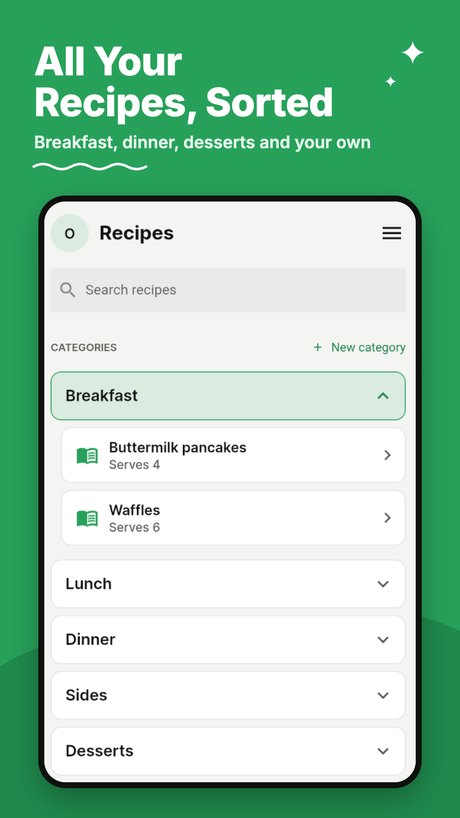
Keep recipes, switch measures, and send their ingredients to your list.
One price, once
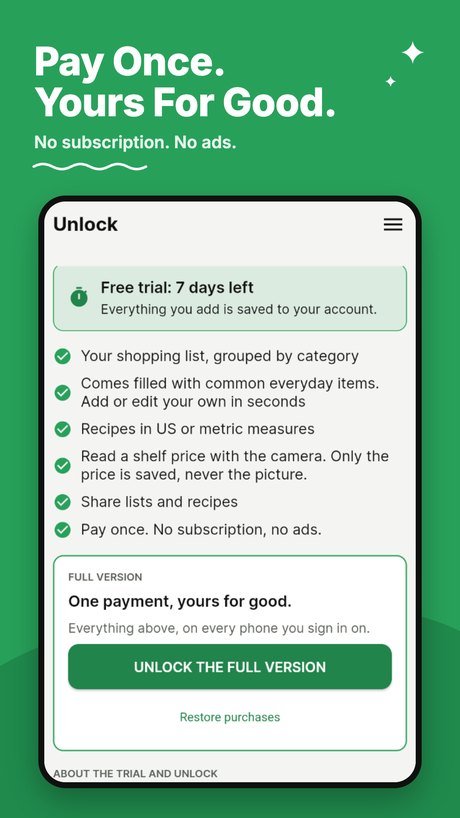
7 days free, then a one-time unlock
- Try every feature free for 7 days. The trial starts when you tap Start free trial.
- Then unlock it for good with one purchase (US $4.95; your app store shows the price for your country).
- No subscription, no ads, nothing sold about you.
- On a new phone, sign in and tap Restore purchases.
Questions
Do I need an internet connection in the store?
No. Your lists are kept on your phone too, and any changes catch up when your phone is back online. Importing a recipe from a link does need a connection.
Is the app in my language?
The app itself is in English. Amounts can be shown in US or metric measures, and prices in your phone's own money format.
Can I use it on two phones?
Yes. Sign in with the same account on both, and your lists and recipes are there on each.
What happens when the 7-day trial ends?
The app asks you to unlock it with one payment. Nothing is deleted: your lists, items, saved shopping lists and recipes stay saved, ready for you to carry on once you unlock.
Can I put my categories in my store's order?
Yes. On the Items list, tap Arrange and drag the categories into the order you walk through your store. Your shopping list follows the same order. Sort A–Z puts them back in alphabetical order.
Can I save a list I buy every week?
Yes. On your shopping list, tap Save this list and give it a name. Next time, open Saved shopping lists and put it back on your list in one tap, then add or take off what you need.
How do recipe ingredients get on my list?
Open a recipe and tap Add to shopping list. Every ingredient goes on your list, with a small recipe tag showing which recipe it's for and how much. Already have something? Press and hold it to take it off the list.
Does the price reader keep pictures of the shelf?
No. The price is read on your phone and only the number is saved. The picture is never kept or sent anywhere.
I bought the full version. What if I get a new phone?
Sign in with the same account on the new phone and your lists and recipes are there. If the app asks you to unlock, tap Restore purchases on the Unlock screen; you don't pay again.
More help
See the Support page.